
HELP & SUPPORT
Frequently asked questions.
Search or browse a category.
How do I install Saga?
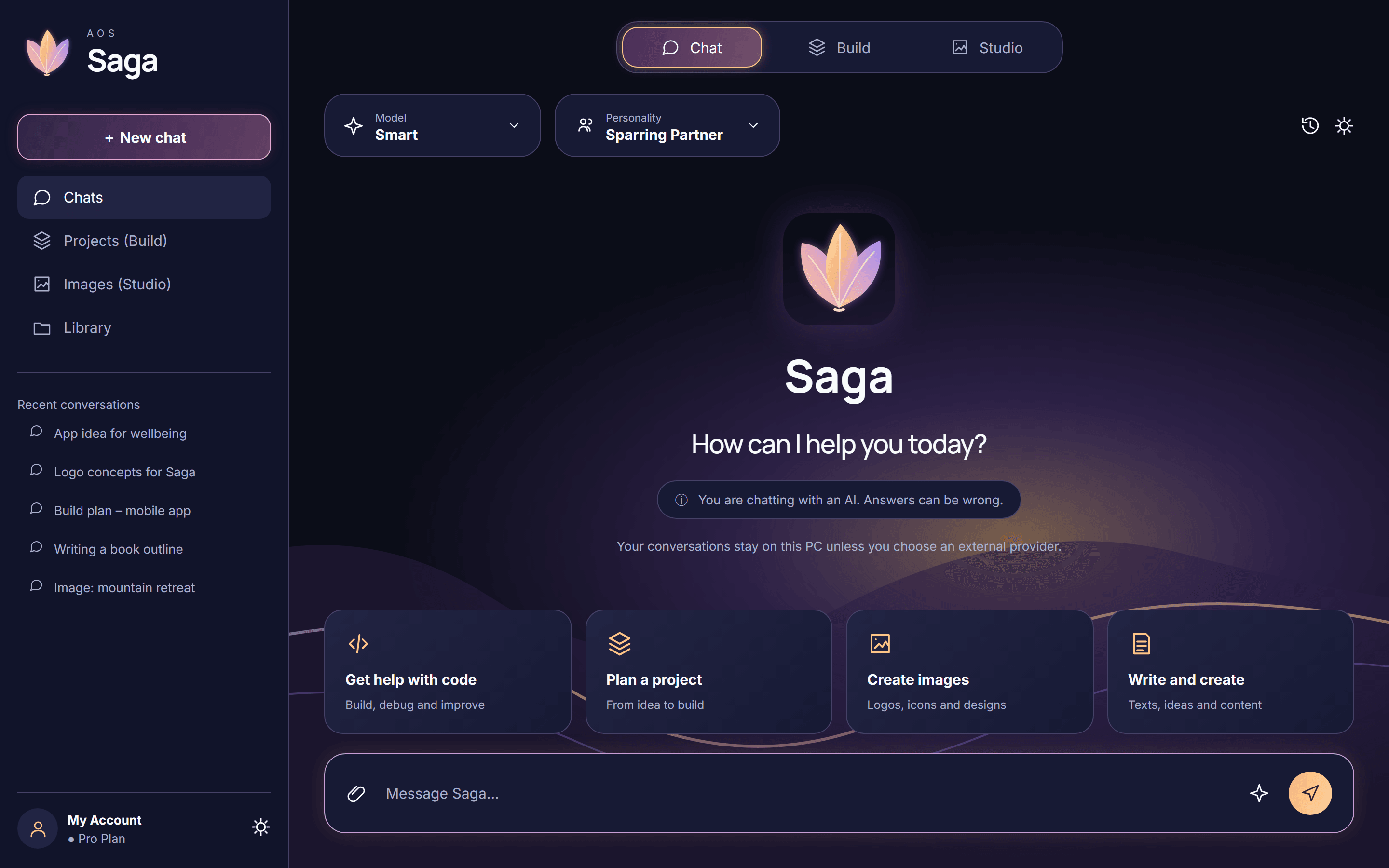
- Join the waitlist to hear when Saga is available.
- When released, download the signed Windows 11 installer from the official site.
- Run the hardware check before adding payment details.
- Choose the recommended local model and download it.
- Open Chat and begin.
Will Saga run on my PC?
Saga checks your hardware before you pay. Windows 11 is required; 16 GB RAM is recommended.
Link to this answerIs my data private?
Local conversations stay on your PC. Optional cloud features and your own provider have different data flows, clearly labelled.
Link to this answerHow does the 7-day trial work?
A payment method is required. Cancel during the trial to avoid being charged.
Link to this answerWhat can Studio create?
Icons, logos, UI sketches and backgrounds, depending on model capabilities.
Link to this answerWhen does Saga launch?
Saga is preparing for launch. Join the waitlist for an update.
Link to this answer